
Android APK Installation Steps for JLBet
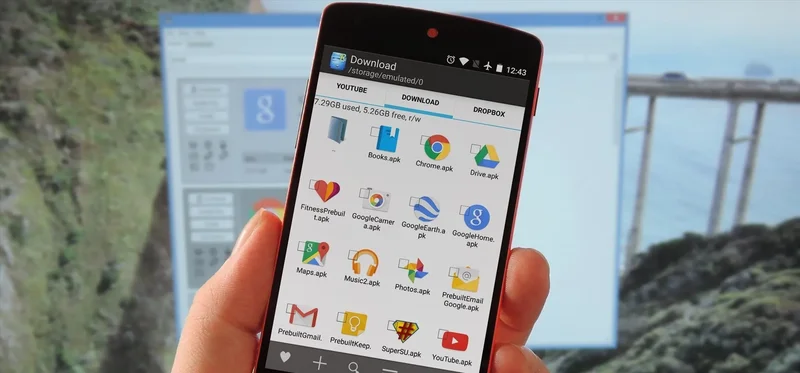
Download the safe, virus-free APK file directly from our secure servers, enable 'Install from Unknown Sources' in your Android settings, and launch within 60 seconds.
To install on Android: Tap 'Download Android App', allow browser permissions when prompted, open the downloaded APK file, and follow the on-screen installer instructions. The package is lightweight (under 25MB) and compatible with Android 8.0 and higher.
iOS Web App Setup for iPhone & iPad
Add the JLBet progressive web app (PWA) to your iOS home screen via Safari to enjoy a full-screen, native app experience without visiting the App Store.
Open Safari, visit jlbetvip.com, tap the Share icon at the bottom of the screen, and select 'Add to Home Screen'. A dedicated JLBet icon will appear on your device, offering full-screen gameplay without browser address bar clutter.